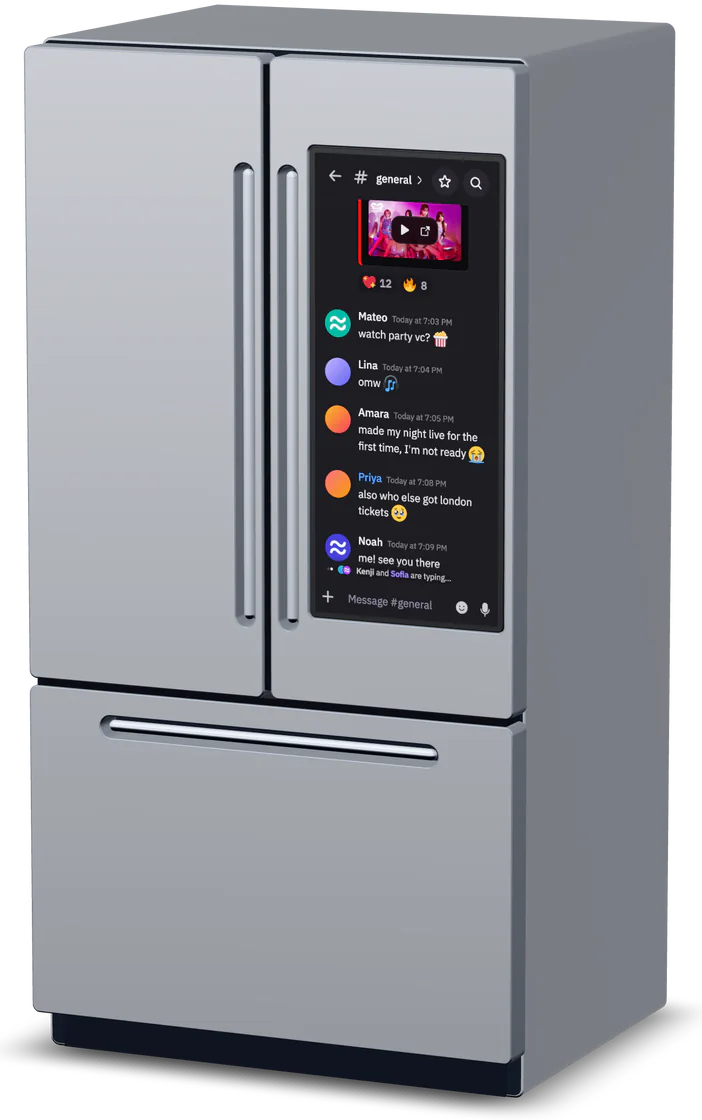
Baixar o Decoding Chat
Disponível no Windows por enquanto, com suporte para o nosso time em qualquer dispositivo.
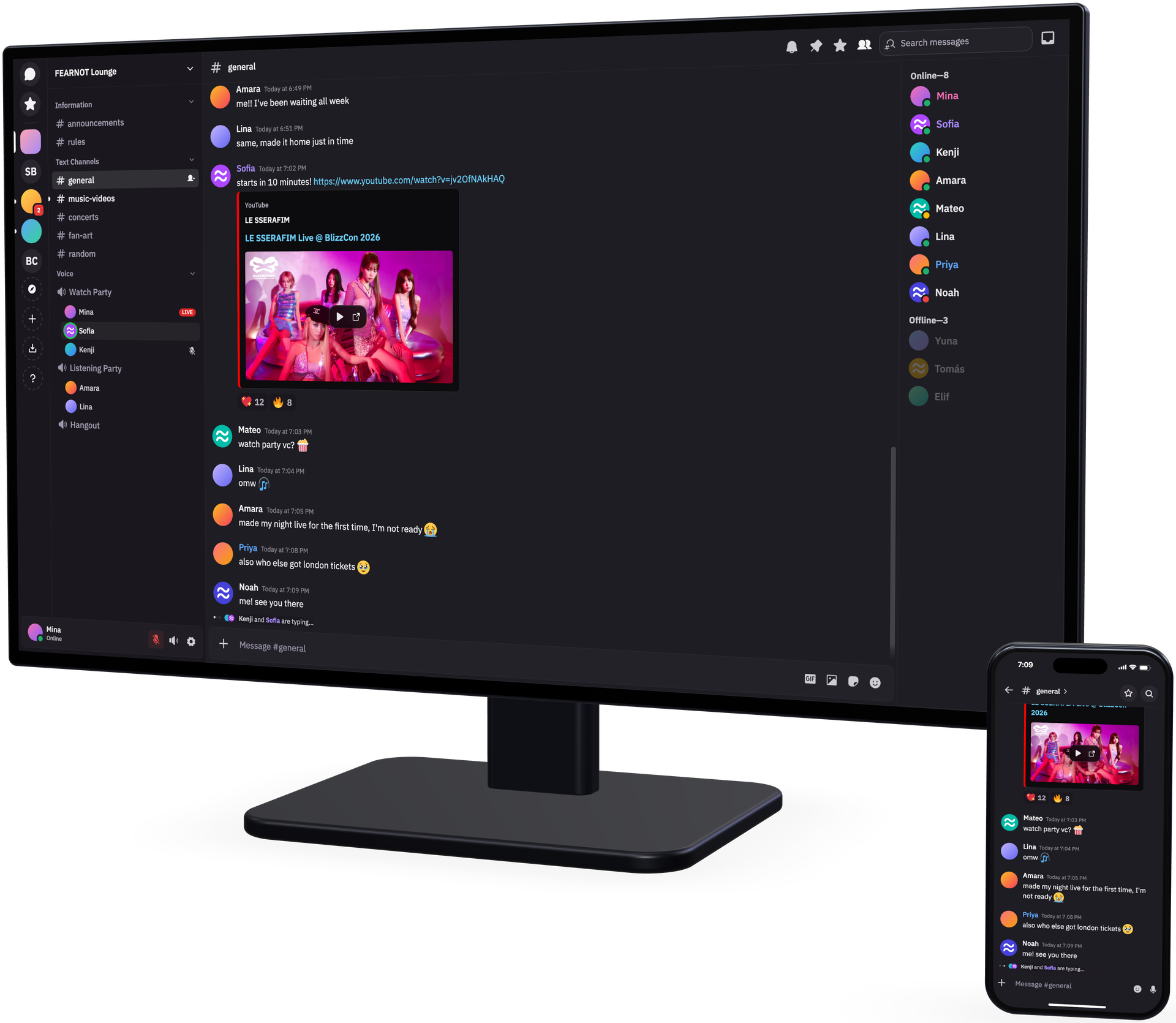
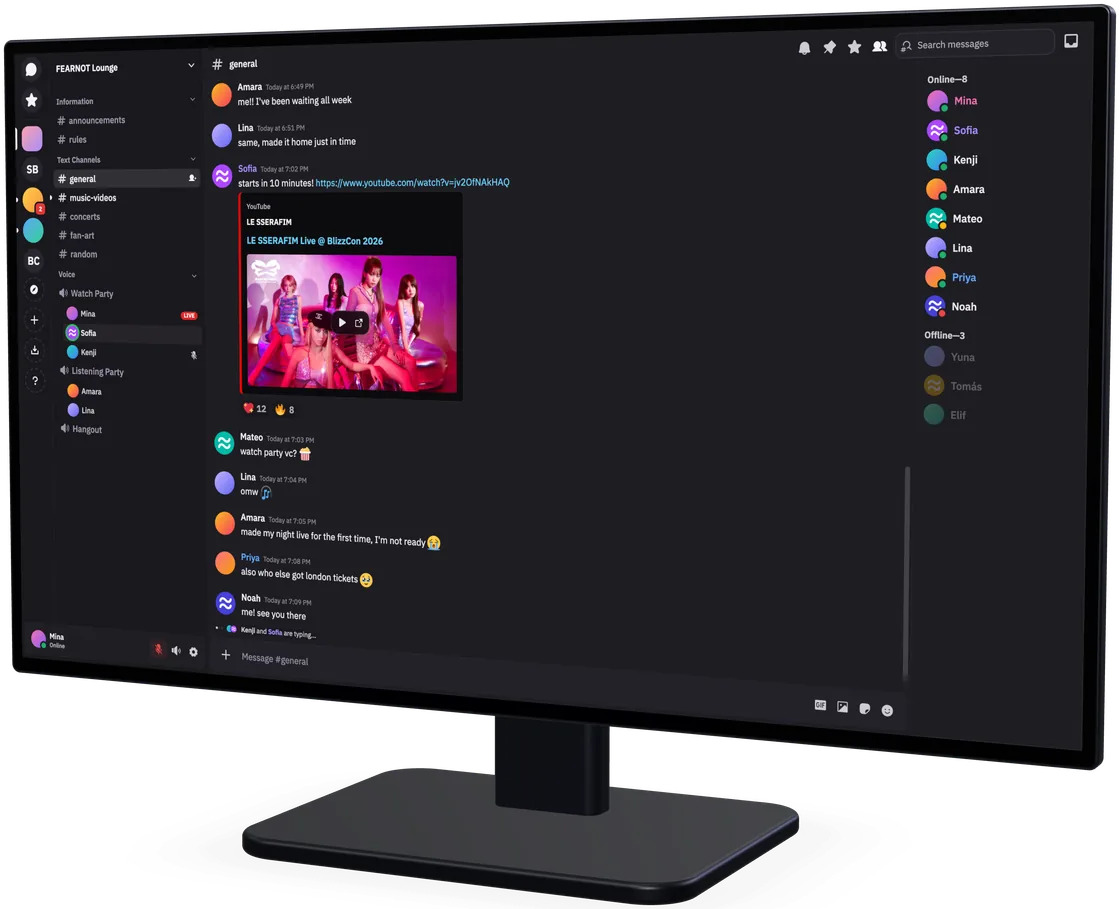
Baixar o Decoding Chat para Linux
Instalar com FlatpakAbre seu gerenciador de software. Sem terminal.Downloads para Linux em breve.
sudo install -d -m 0755 /etc/apt/keyrings
sudo curl -fsSL -o /etc/apt/keyrings/fluxer-archive-keyring.gpg https://pkgs.fluxer.com/keys/fluxer-archive-keyring.gpg
sudo curl -fsSL -o /etc/apt/sources.list.d/fluxer-canary.sources https://pkgs.fluxer.com/deb/fluxer-canary.sources
sudo apt update && sudo apt install fluxer-canarysudo curl -fsSL -o /etc/yum.repos.d/fluxer-canary.repo https://pkgs.fluxer.com/rpm/fluxer-canary.repo
sudo dnf install fluxer-canarysudo pacman-key --init
sudo curl -fsSL -o /tmp/fluxer.asc https://pkgs.fluxer.com/keys/fluxer-archive-keyring.asc
sudo pacman-key --add /tmp/fluxer.asc
sudo pacman-key --lsign-key 09D01339EE128925F75E675C855C5BDE34D205D2
sudo tee -a /etc/pacman.conf >/dev/null <<'REPO'
[fluxer]
SigLevel = Required TrustedOnly
Server = https://pkgs.fluxer.com/arch/$repo/os/$arch
REPO
sudo pacman -Syu fluxer-canaryflatpak install https://pkgs.fluxer.com/flatpak/fluxer-canary.flatpakrefSelecione a arquitetura
Selecione o formato
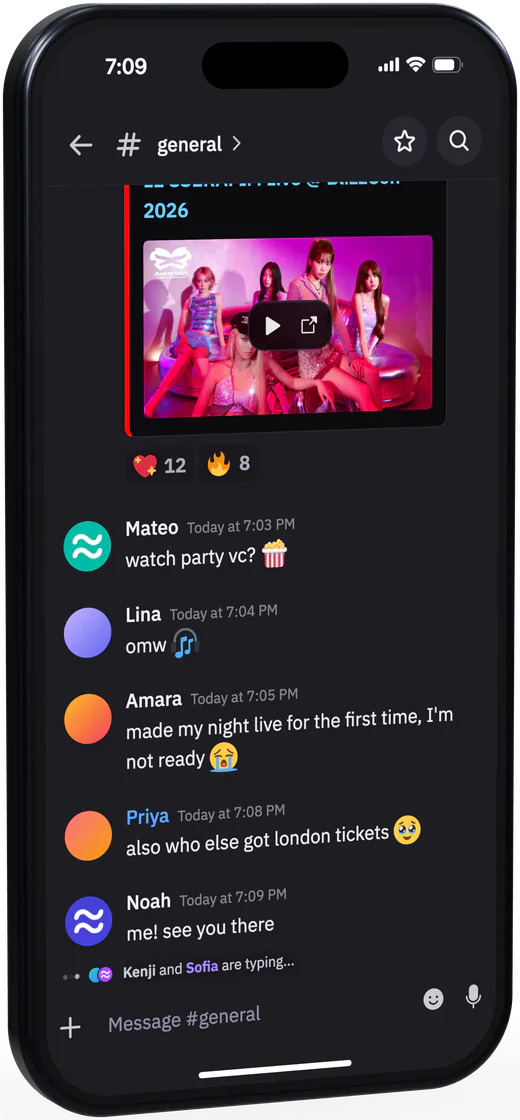
Baixar o Decoding Chat para celular